Walgreens vs CVS vs Online Passport Photos: 2026 Comparison
You need passport photos. Your options: drive to Walgreens or CVS, or use an online tool and print at home. Here's the full cost, quality, and convenience breakdown.
Cost Comparison
| Option | Cost | What you get |
|---|---|---|
| Walgreens | ~$16.99 | 2 printed 2×2 photos |
| CVS | ~$16.99 | 2 printed 2×2 photos |
| Walmart Photo Center | ~$7.44 | 2 printed 2×2 photos |
| USPS | ~$15.00 | 2 printed 2×2 photos |
| Online tool + home print | ~$3–$5 total | 4–6 printed photos per 4×6 sheet |
| Online tool + Walgreens print | ~$5–$8 total | Print the 4×6 file at any photo kiosk |
Bottom line: In-store photography at Walgreens or CVS costs roughly $17 for 2 photos. Using an online tool and printing a 4×6 sheet yourself (or at a kiosk) costs under $5 for 4–6 photos.
Convenience Comparison
| Factor | Walgreens / CVS | Online Tool |
|---|---|---|
| Travel required | Yes — drive to store | No |
| Wait time | 10–20 min | 2–5 min |
| Available hours | Store hours | 24/7 |
| Retakes | Ask the staff | Unlimited, free |
| Multiple formats (US, UK, Schengen) | Usually only US 2×2 | All formats |
| Digital copy | Sometimes extra cost | Always included |
Quality Comparison
Walgreens and CVS
Pros:
- Taken by a trained staff member
- Printed on professional photo paper on-site
- Familiar — you know what you're getting
Cons:
- Lighting varies significantly by store and staff experience
- Occasional rejection due to background shadows or incorrect head positioning
- Staff may not check all compliance factors
- No way to preview compliance before printing
- Only standard US 2×2 format at most locations
- No digital copy included (or charged extra)
Online Tool (Our Tool)
Pros:
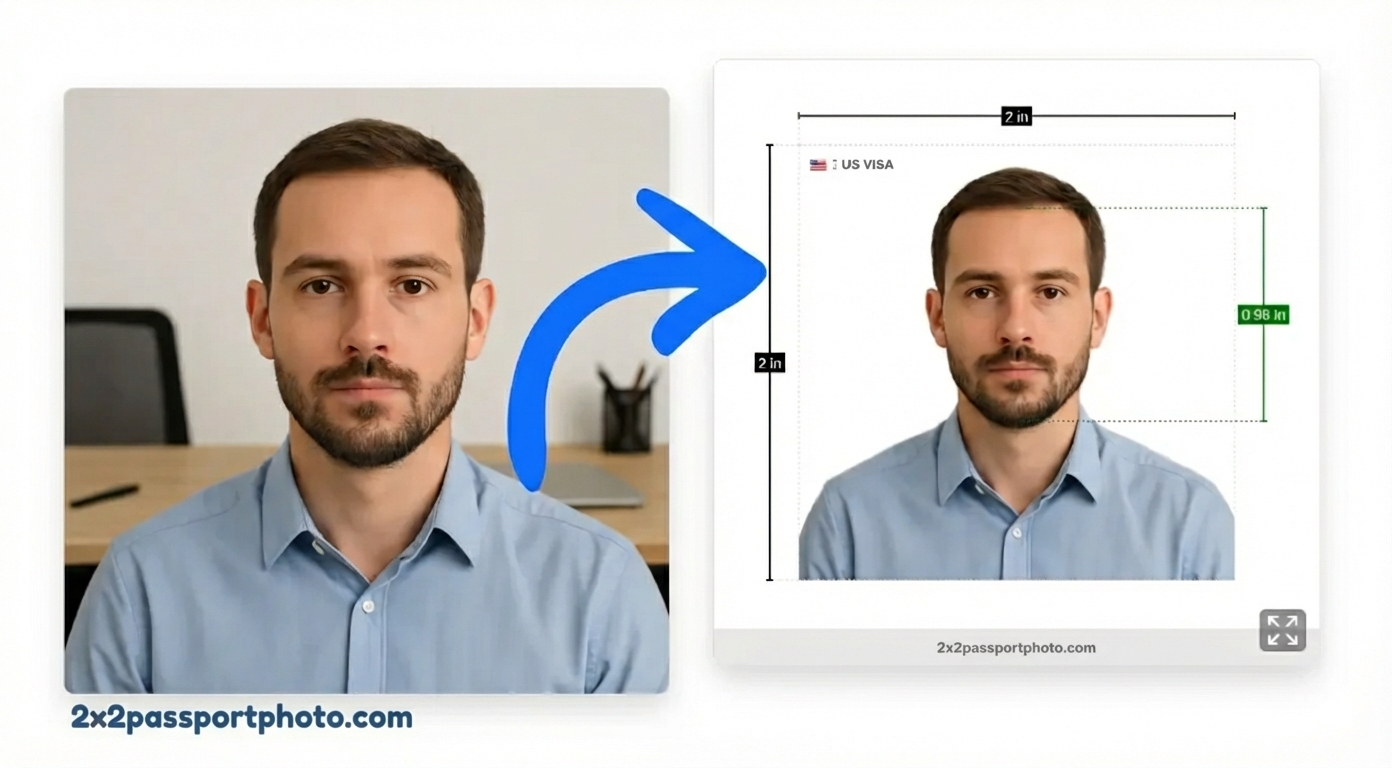
- AI-powered compliance checking before you download
- Multiple country formats available (US, UK, Schengen, Canada, India, etc.)
- Digital copy always included
- Print-ready 4×6 sheet with multiple photos
- Unlimited retakes at no extra cost
- 24/7 availability
- Can share digital copy directly for online applications (DS-160, myPassport, UK GOV.UK portal)
Cons:
- You must print the file yourself (at home, Walgreens kiosk, CVS kiosk, or Walmart)
- Photo quality depends on your home setup (lighting, camera)
When In-Store Makes Sense
- You need photos today and don't have a printer at home
- You're uncomfortable taking photos yourself
- You need a non-standard format that a professional store can handle
- Your application is tomorrow and there's no time for online processing
When Online Makes More Sense
- You need photos for multiple people (one tool session per person)
- You need a non-US format (Schengen, UK, Canada)
- You need a digital copy for an online application
- You want to avoid an unnecessary trip
- Cost matters — you're saving $10–$14 per person
How to Print Your Online Photo at a Walgreens or CVS Kiosk
- Create your photo with our tool and download the 4×6 print-ready file
- Email the file to yourself or upload to Google Photos / Apple Photos
- At any Walgreens or CVS photo kiosk, select "Print photos" → "4×6"
- Print — typically $0.25–$0.50 per 4×6 print
- Cut out the individual 2×2 photos with scissors
Total cost using this method: ~$3–$5 vs $17 in-store.
Verdict
| Priority | Best choice |
|---|---|
| Lowest cost | Online tool + kiosk print |
| Fastest (no prep needed) | Walgreens / CVS in-store |
| Need digital copy | Online tool |
| Non-US format | Online tool |
| Multiple people | Online tool |
| Confidence someone else handles it | Walgreens / CVS |
For most people, an online tool with kiosk printing is better on cost, flexibility, and compliance checking. In-store remains useful when you need photos immediately with no preparation.